Internet Box Comparison: Which Router Is Really Worth It?
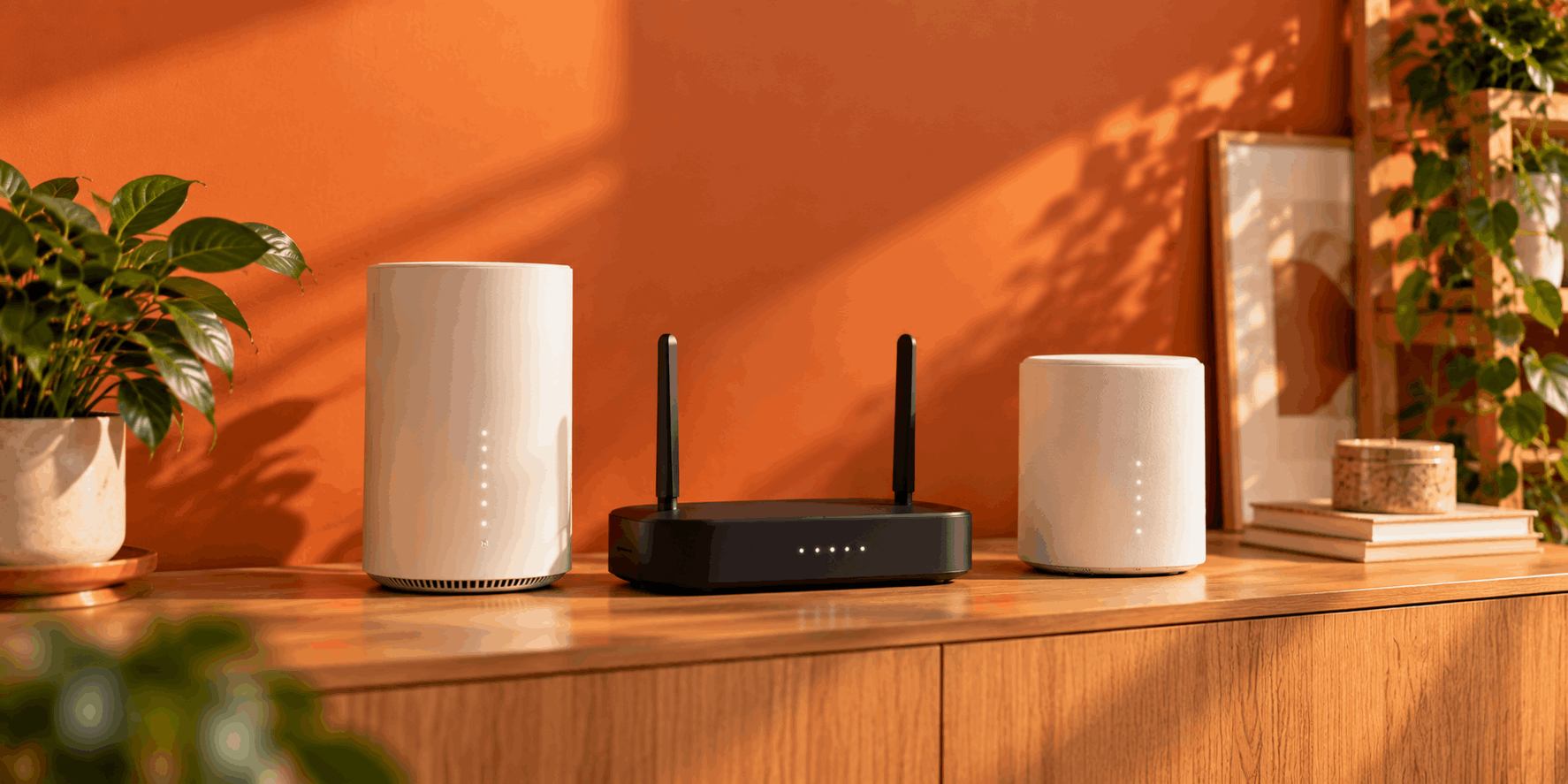


The selection of internet boxes and routers in Switzerland is larger than you might think. Depending on the provider, you receive a different device with your internet subscription: some providers provide a box as a loan device, while others transfer ownership of the device to you. There are also significant differences in terms of features, Wi-Fi performance, and the maximum available speed.
In this internet box comparison, we take a look at which models are really worth considering and what you should pay attention to when buying or using one. Whether you simply want stable Wi-Fi for everyday use or need a powerful network for streaming, gaming, or integrated smart home applications – the right internet box can make a big difference.







What Is an Internet Box and What Do You Need It For?
An internet box is a combination of a modem and router. The device connects your home to your internet provider’s network while also providing your Wi-Fi connection. Without this box, your devices would not be able to access the internet, meaning you could neither browse the web nor use smart home applications.
The modem handles the connection to the network – for example via fibre, cable, or DSL. The router then distributes data packets to the various devices, such as smartphones, laptops, televisions, or printers.
Modern boxes now offer much more than just internet access. They support fast Wi-Fi standards such as Wi-Fi 6, enable networks via mesh technology, and often integrate additional services such as TV, telephony, or smart home functions.
| Function | Task |
| Modem | Establishes the connection to the internet provider |
| Router | Distributes internet access to multiple devices |
| Wi-Fi | Enables wireless connections for devices |
| Mesh support | Provides greater coverage |
Loan Device or Purchase Model: How Swiss Providers Supply Their Boxes in 2026

Swiss providers use different models for their devices. Whether an internet box is rented or becomes your property has a long-term impact on costs, support, and replacement options.
Swisscom: Internet Box Included with the Subscription
With Swisscom, the internet box is provided with the subscription and generally becomes your property. Currently (as of August 2026), this is the Internet Box 5. The box supports Wi-Fi 7 and is suitable for high-speed fibre connections.
If the box becomes outdated after several years or stops working, you may need to purchase a new box. The advantage is that you benefit from a high-quality device from the beginning without monthly rental costs.
The benefit of this model is long-term use. The disadvantage is that replacement and upgrades are more your responsibility.
Salt, Sunrise, yallo, Wingo & Co.: An Overview of the Loan Model
Many other providers use a loan model. The Wi-Fi box remains the property of the provider and is made available to you for the duration of your contract.
In the event of a defect, providers usually replace the devices. Wingo and yallo, for example, are known for straightforward replacement procedures. Sunrise and Salt also use standard processes for defective boxes. The advantage is that you have less responsibility for managing the hardware.
Internet Box Comparison: The Most Important Models from Swiss Providers for Wi-Fi, TV & Browsing
When choosing the best internet box in Switzerland, it is not just the provider’s name that matters. The key factors are the Wi-Fi standard, speed, connection type, and additional features. The following models show how much internet hardware can differ.
Swisscom’s Internet Box in Detail
The current Swisscom Internet Box 5 (as of August 2026) is one of the more powerful provider routers in Switzerland. It supports modern Wi-Fi 7 technology and offers high speeds for multiple devices simultaneously.
The box is already designed for fibre connections and is suitable for households with streaming, home working, or many connected devices. Thanks to modern Wi-Fi technology, it can provide a stable connection in both the 2.4 GHz and 5 GHz ranges. The maximum speed supported by the box is 10 Mbps (upload and download). Whether this speed can actually be achieved naturally depends on the subscription you choose.
Provider Internet Boxes Compared
In addition to the Swisscom Internet Box, there are numerous other provider devices in Switzerland. The main differences concern the Wi-Fi standard, connection type, and maximum speed. Modern models generally support Wi-Fi 6, while some older devices still use Wi-Fi 5.
With yallo, you currently receive the yallo Home Cable Box 2 as a loan device. It supports download speeds of up to 500 Mbps and upload speeds of up to 100 Mbps. Secure Wi-Fi is available via Wi-Fi 6 (2.4 GHz / 5 GHz). Installation is carried out via plug and play.
The Salt Fiber Box is one of the fastest and most modern boxes on the market. It uses XGS-PON fibre technology and is powered by a 1.5 GHz quad-core processor. Thanks to the dual-frequency 2.4 GHz and 5 GHz bands, all devices can automatically select the best frequency. The box configures itself automatically as soon as it is connected. If that is not enough for you, Salt also offers the Salt Fiber Box Wi-Fi 7+ or the Wi-Fi Booster 7+.
Quickline also includes a loan device with a bundled subscription. Depending on the internet technology available at your location, you will receive a specific modem, such as the Modem 3890 or Modem 3896.
Wingo also provides you with a box when you sign up for a contract. Depending on your subscription, you will receive the Internet Box 2 (Wi-Fi 5), Internet Box 3 (Wi-Fi 6), or Internet Box 4 (Wi-Fi 6).
Sky provides a Wi-Fi 7 router with every bundled subscription at no additional cost. This enables UHD streaming in 4K and ultra-fast downloads. Dual-band 2.5 Gbps WAN/LAN ports provide an ultra-fast home network. EasyMesh technology supports your mesh network.
Migros Mobile also uses a loan model. Depending on your connection, you will receive the Internet Box 2, Internet Box 3, or Internet Box 4. If you cancel your subscription, you must return the box. If you transfer your connection to another person, you simply pass the box on to them so they can continue to enjoy fast internet.
Using Your Own Router Instead of the Provider’s Modem: Is It Possible and Is It Worth It?

Many users wonder whether they should purchase their own router instead of using the box provided by their internet provider. In many cases, this is possible, although it depends on the provider and the type of connection. Some providers, particularly for fibre or DSL connections, allow customers to choose their own router.
Using your own router, such as a Fritz!Box, can offer several advantages. You have more control over the configuration, can customise functions to your needs, and can often use the device for longer. Models such as the Fritz!Box 5690 Pro, Fritz!Box 5530 Fiber, or Fritz!Box 7530 AX offer extensive options for demanding users.
High-quality devices from TP-Link or Netgear can also be an alternative. For large homes, a separate mesh system such as TP-Link Deco can improve Wi-Fi coverage.
The disadvantage is that the provider will usually only provide support for its own box if problems occur. You also need to check whether your router is technically compatible. In most cases, however, the models are compatible.
| Your Own Router | Provider Box |
| More control over settings | Easy setup |
| Potentially longer service life | Provider support |
| Many additional features | No additional purchase required |
| You are responsible for problems | Easier replacement |
What You Should Really Look for in a Router: Smart Home, Wi-Fi 6, 5 GHz and Mesh

Not every router is suitable for every household. When choosing the right router, you should consider several technical factors. A powerful device can make better use of your connection speed and provide a more stable connection.
Important criteria include:
Wi-Fi 6: This standard is currently the most widely used. However, more and more devices with tri-band Wi-Fi 7 are entering the market. These offer even better performance when many devices are connected simultaneously.
Wi-Fi coverage: In large homes, a mesh Wi-Fi system can help improve coverage.
LAN ports: Multiple wired connections are useful for PCs, consoles, or televisions.
Connection type: The router must be compatible with your internet connection, whether fibre, cable, or DSL.
5 GHz band: The faster band is suitable for streaming and demanding applications.
Security: Regular updates help protect your network.
| Criterion | Why Is It Important? |
| Wi-Fi 6 / WLAN AX | Higher speed and better efficiency |
| Mesh support | Greater Wi-Fi coverage |
| LAN ports | Stable connection for wired devices |
| Compatibility | Works with fibre, cable, or DSL |
For simple applications such as browsing, emails, and occasional streaming, a provider box is usually sufficient. However, anyone who games, uses many smart home devices, or processes large amounts of data will often benefit from higher-quality hardware.
Conclusion: Which Internet Box Is Really Worth It for the Best Coverage?
Which internet box is best for your household depends heavily on your requirements. For most households, the provider boxes included with the subscription are sufficient and offer enough performance. Modern models support Wi-Fi 6, provide adequate speed, and work immediately after installation.
However, if you have a large home, use many devices simultaneously, or want maximum control, purchasing your own router may be worthwhile. High-quality devices offer particular advantages for gaming, working from home, or demanding Wi-Fi applications.
The most important point when comparing internet boxes is therefore not just the model, but the combination of your connection, usage, and individual needs.
Frequently Asked Questions
This depends on the provider and connection type. Many providers allow customers to use their own routers, although you need to pay attention to technical compatibility. With some connections, setting up your own device is easier than with others.
With a loan model, you normally have to return the box to the provider. With a purchase model, such as certain Swisscom devices, the box remains your property and can continue to be used as long as it is compatible.
With loan devices, the provider often handles replacement in the event of a defect. If the box belongs to you, new models can cost several hundred Swiss francs depending on their features.
No. Not every box is suitable for fibre connections. For fibre connections, you need a compatible device with the appropriate connection. Older DSL or cable routers do not automatically work with fibre.
In everyday use, the terms are often used interchangeably. Technically, however, an internet box usually combines several functions: it contains a modem for connecting to the provider and a router for distributing the internet connection.
An AVM Fritz!Box can be worthwhile if you want more control, additional features, or better Wi-Fi coverage. For ordinary users, however, the provider’s box is often sufficient.